

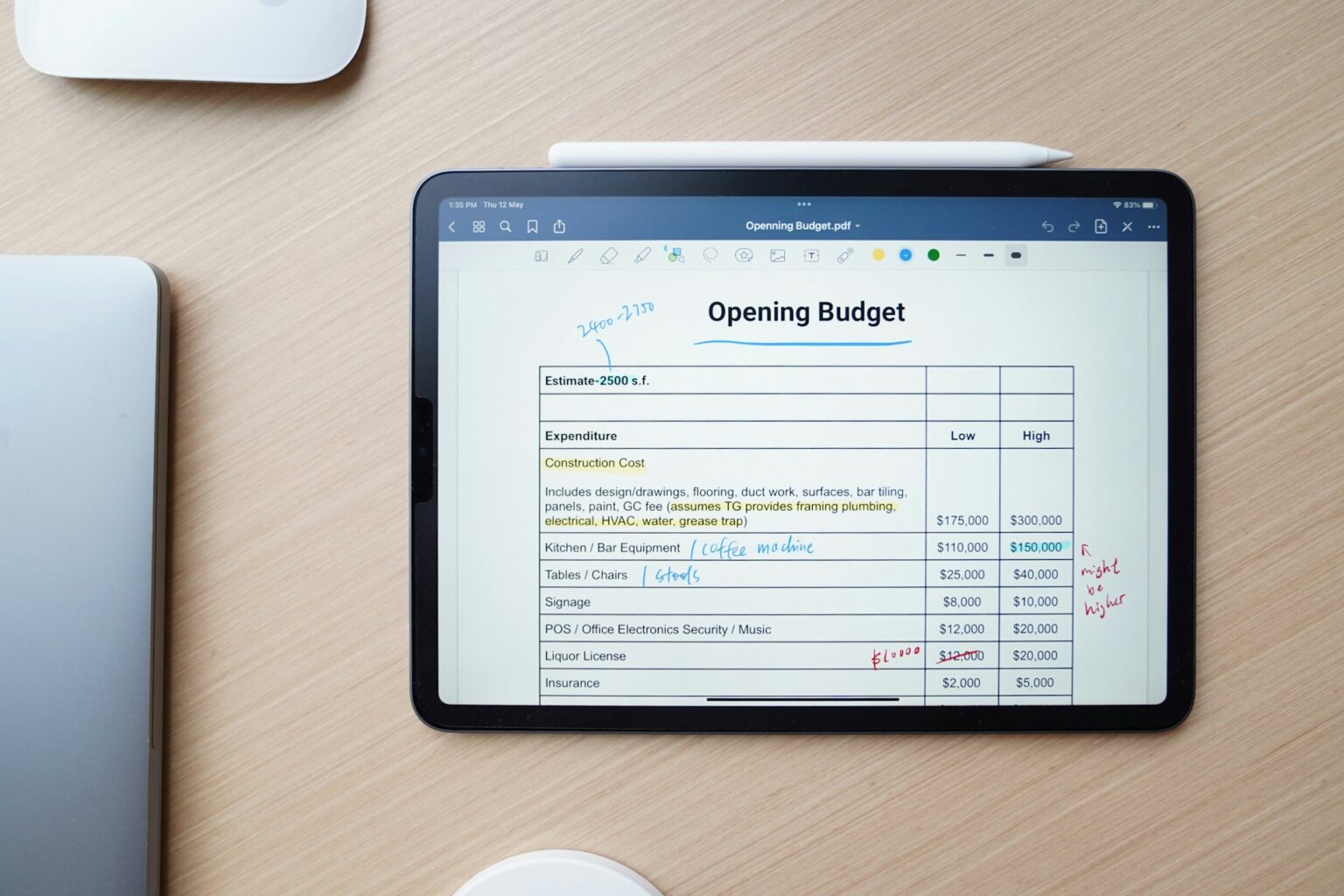
Managing your money gets easier when you can see where it goes.
If you are working on your Personal Budgeting & Saving goals, you might be deciding between a budgeting app and a spreadsheet.
Both can help you track income, control spending, and prepare for bills, but they work in different ways.
A budgeting app can save time by organizing transactions and showing spending activity in one place.
A spreadsheet gives you more freedom to build a budget around your own needs.
Neither option guarantees that you will save more money.
The better choice depends on your habits, the tools you have, and how much time you want to spend managing your finances.
Let’s look at how each option works, what it costs, where it can fall short, and how to choose one you will actually keep using.
How Do Budgeting Apps and Spreadsheets Work?
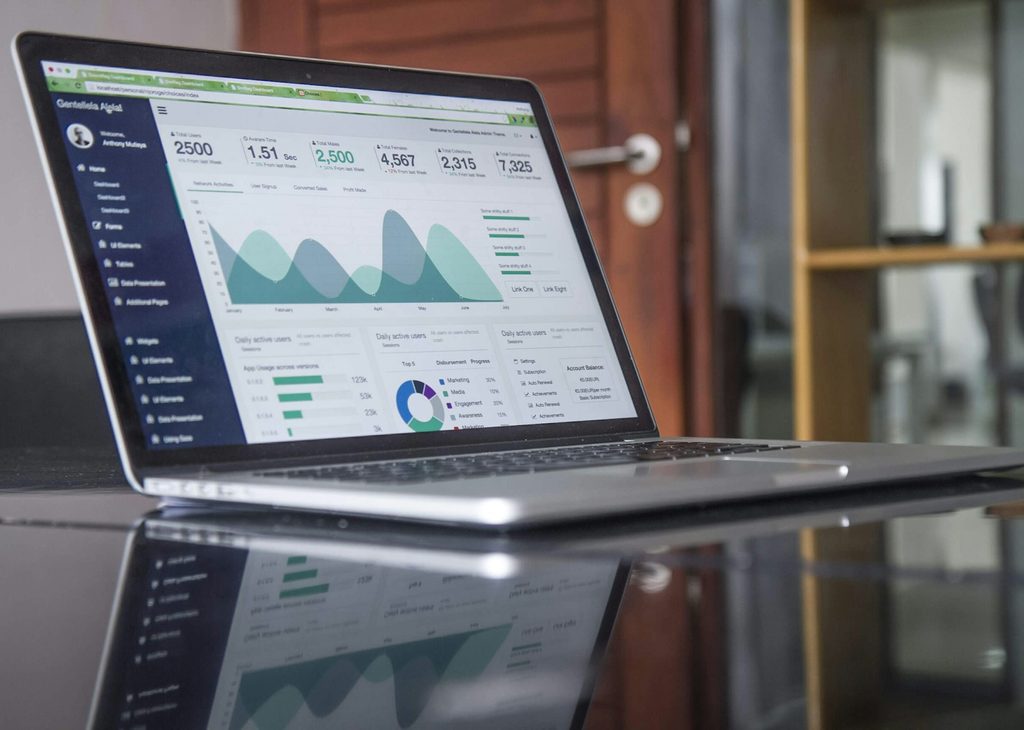
A budgeting app is a program designed to help you manage your money.
Depending on the app, you may be able to record expenses, set spending limits, organize bills, review transactions, and monitor savings goals.
Some apps can connect to supported bank accounts, while others require you to enter transactions yourself.
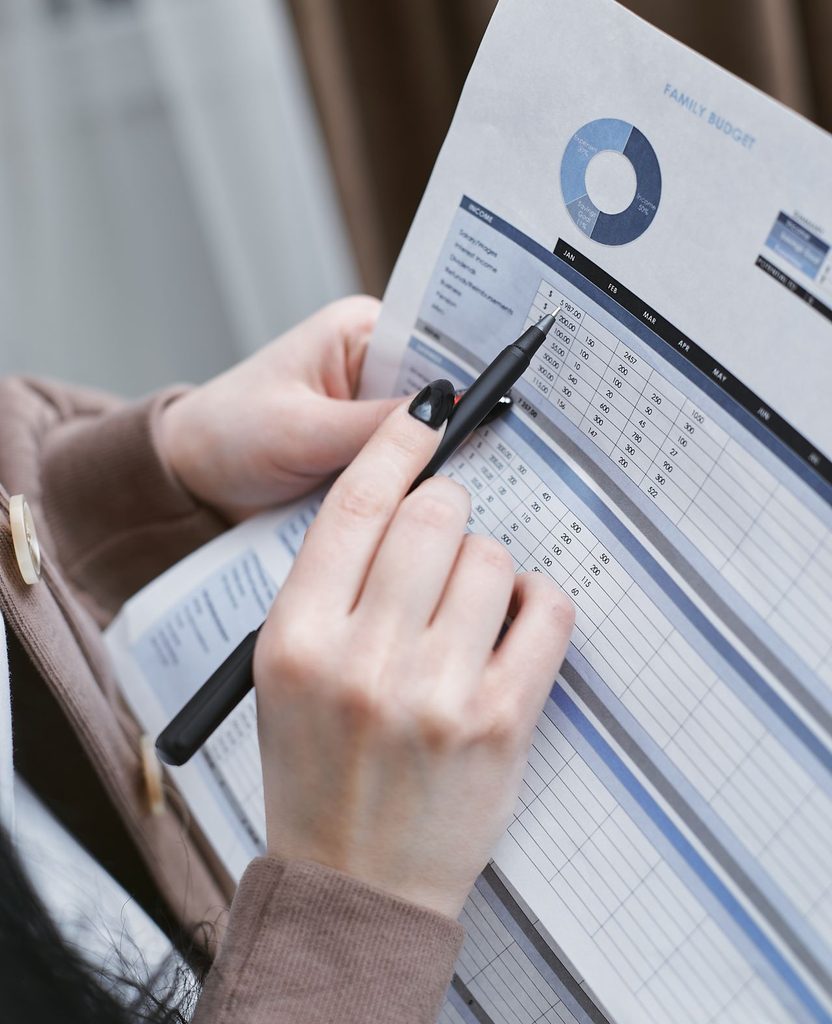
A spreadsheet is a document made up of rows and columns.
You can create one in Microsoft Excel, Google Sheets, or another spreadsheet program.
You enter your income and expenses, organize them into categories, and use formulas to calculate totals and balances.
For example, imagine you receive 500,000 RWF in monthly income.
You could use an app to record what you spend on food, transport, rent, utilities, and other needs.
A spreadsheet could track the same expenses, subtract them from your income, and show how much remains.
The main difference is how you manage the information.
An app provides ready-made tools, while a spreadsheet lets you decide how your budget should work.
Budgeting Apps vs. Spreadsheets: The Main Differences
| Feature | Budgeting apps | Spreadsheets |
|---|---|---|
| Setup | Usually quick | Requires some preparation |
| Expense tracking | May automate transactions | Usually entered manually |
| Customization | Depends on the app | Highly flexible |
| Calculations | Usually built in | Requires formulas |
| Internet access | Depends on the app | Depends on the program and setup |
| Privacy | Depends on data collection and account settings | Depends on where and how the file is stored |
| Cost | Free and paid options | Free and paid options |
| Best suited for | People who prefer convenience | People who want control over their budget |
These differences matter because a budget must fit into your normal routine.
A detailed spreadsheet is of little help if you never update it.
An app is not much better if you ignore its notifications or stop checking your spending.
What Are the Advantages of Budgeting Apps?
1. They can reduce manual work
Some budgeting apps import transactions from supported financial accounts.
Instead of entering every purchase yourself, you can review imported transactions and assign them to categories.
This can be useful if you pay for groceries with a card, buy fuel during the week, and have several bills due each month.
You can review your activity without building a new worksheet every time you want to check your spending.
Automatic tracking is not always available.
It may depend on your bank, country, subscription, or the app’s supported features.
Check these details before signing up.
2. You can check your budget quickly
Many apps provide summaries of spending, available balances, and savings goals.
You may be able to open the app on your phone and see whether you are close to your limit for eating out or shopping.
That quick access can help you make a better decision before buying something.
If you have already spent most of your entertainment budget, you might decide to choose a cheaper activity this weekend.
3. Reminders can help you stay organized
Depending on the app, you may be able to set bill reminders, recurring expenses, and alerts when spending reaches a certain amount.
These features can help people who have busy schedules or regularly forget smaller payments.
Still, a reminder is only useful if you review it and take action.
Where budgeting apps can fall short
Some apps charge subscription fees for features that other tools provide free of charge.
Bank connections can also be unavailable or unreliable, and imported transactions may be placed in the wrong category.
Privacy deserves attention, too.
Before connecting a financial account, read the app’s privacy policy and understand what information it collects, how it uses that information, and whether you can delete your data.
Never assume that every app handles financial information in the same way.
If you live in a country where your bank is not supported, an app that depends on automatic imports may be less useful.
Manual entry could still work, but it removes one of the main conveniences.
Why Use a Spreadsheet for Personal Budgeting & Saving?

1. You control how your budget is organized
A spreadsheet can be as simple or detailed as you want.
You can create separate sections for household bills, school costs, debt payments, emergency savings, business expenses, or irregular income.
Suppose you earn money from website projects.
One month, you receive payment from three clients.
The next month, you receive payment from only one.
A spreadsheet can help you record each payment, separate business costs from personal expenses, and estimate how much money is available for household needs.
You do not have to follow the categories chosen by an app.
You can change them whenever your circumstances change.
2. You can start without paying for a budgeting service
Google Sheets offers a spreadsheet option that many people can use without purchasing a separate budgeting app.
Microsoft Excel also provides spreadsheet tools, although access to particular features may depend on your plan or license.
You can begin with a blank document and a few basic formulas.
There is no need to pay for an elaborate template before you understand your spending habits.
A spreadsheet can also work well if you prefer to keep your financial records in a file rather than create another account with a budgeting service.
Your privacy still depends on where you store the file, who can access it, and how you protect the device or account.
3. You can learn from the numbers
Spreadsheets make it easy to compare different months, add new expense categories, and test changes to your budget.
For example, you could calculate how much you would have left if you reduced your weekly transport spending or increased your savings contribution.
You can also plan for annual expenses by setting aside part of the expected cost each month.
These calculations depend on the information and formulas you enter.
A mistake in a formula can produce an incorrect result, so check your totals before relying on them.
What makes spreadsheets difficult?
The biggest drawback is the work involved in keeping them current.
You must record transactions, correct mistakes, and review the results regularly.
Some people also find formulas confusing at first.
Fortunately, a basic monthly budget needs only a few calculations.
You can add more features later instead of trying to build a complicated workbook on your first day.
Which Option Is Better for Saving Money?
Neither tool automatically makes you a better saver.
Both can show where your money goes, but you still need to decide what to change.
Consider this example.
Maria receives 500,000 RWF each month. She plans to spend 200,000 RWF on housing, 120,000 RWF on food, 50,000 RWF on transport, 40,000 RWF on utilities, and 40,000 RWF on other expenses.
She wants to save the remaining 50,000 RWF.
After reviewing her spending, she discovers that frequent small purchases have pushed her other expenses above the planned amount.
She could use an app to review transactions throughout the month or a spreadsheet to compare her planned spending with what she actually spent.
Either tool can reveal the problem.
Her savings improve when she adjusts her spending and follows the new plan.
The lesson from Maria’s example is simple: choose a method that helps you notice problems early enough to do something about them.
A tool that takes five minutes to check every week may be more useful than a complicated system you open only once a month.
How to Choose the Right Budgeting Method
Your daily habits are a useful starting point.
Choose a budgeting app if:
- You want to check your spending on your phone.
- You prefer ready-made categories and reports.
- You want transaction imports or reminders, where available.
- You are comfortable reviewing the app’s privacy practices and any fees.
Choose a spreadsheet if:
- You want to control every category and calculation.
- Your income changes from month to month.
- You need to track personal and business expenses separately.
- You prefer a simple file that you can change yourself.
There is also a third option: use both.
You could record daily spending in an app and review your monthly totals in a spreadsheet.
This may suit someone who likes quick tracking but also wants a larger view of household finances.
Avoid paying for several tools that do the same job.
Start with one method, use it consistently, and add another only if it solves a real problem.
How to Start a Budget Without Making It Complicated
You do not need a perfect system to begin.
Start with the information you already have.
- Record your income. Write down the money you expect to receive during the month. If your income changes, use a cautious estimate rather than assuming you will earn your best month every time.
- List your regular expenses. Include rent, utilities, transport, food, debt payments, and other costs you must cover.
- Review less frequent costs. School supplies, repairs, medical expenses, annual subscriptions, and family events can disrupt a budget if you forget to plan for them.
- Set a realistic savings amount. Choose an amount you can work toward after accounting for necessary expenses. Adjust it when your income or obligations change.
- Compare the plan with actual spending. Once a week, check what you planned to spend against what you actually spent. Correct errors and adjust the remaining budget when needed.
- Review the month before starting another. Identify what worked, which categories were too restrictive, and where you could make a practical change.
If you are new to budgeting, a short list of income, expenses, and savings may be enough.
You can add charts, formulas, or app features when you have a clear reason to use them.
Are Free Budgeting Apps and Spreadsheet Templates Good Enough?
Yes, a free option can be enough for basic budgeting.
The important question is whether it handles the tasks you need.
Before choosing a free budgeting app, check whether essential features are included without a subscription, whether it supports your country and financial accounts, and whether you can export your records if you stop using it.
For a spreadsheet, check that the formulas work, the categories make sense, and the file is easy to update.
If you download a template, review its formulas rather than assuming every calculation is correct.
You can also build your own sheet with columns for the date, description, category, planned amount, actual amount, and difference.
Keep a separate summary showing total income, total spending, and money left over.
Free tools are a sensible place to start. Consider a paid option only when its extra features save enough time or solve a problem you actually have.
References
- Consumer Financial Protection Bureau (CFPB): Budgeting resources and tools that help consumers review income, expenses, and financial goals.
- Google Sheets Help: Product information about creating and using spreadsheets, formulas, and functions.
- Microsoft Support: Guidance on Excel formulas, calculations, and spreadsheet features.
- Federal Trade Commission (FTC): Consumer guidance on protecting personal information and reviewing privacy practices.
These references support the general budgeting, spreadsheet, and privacy guidance in this article.
Specific app features and account connection options vary by provider and country.
Final Verdict: Budgeting Apps or Spreadsheets?
For Personal Budgeting & Saving, the better choice is the one you will use every week.
Budgeting apps are a good fit for people who want quick access, reminders, and automatic transaction tracking where supported.
Spreadsheets suit people who want flexibility, control, and a budget they can shape around changing income or unusual expenses.
If you are unsure, start with a free spreadsheet and track one full month of spending.
If manual entry becomes a burden, try an app with the features you need. You can also combine both without paying for extra services.
Open your recent bank or mobile money records, list your last month’s expenses, and compare the total with your income.
That first review will give you a more useful starting point than spending hours searching for the perfect budgeting tool.
Disclaimer: This article provides general educational information, not personalized financial advice.
Your financial needs depend on your circumstances.
Consult a licensed financial professional for advice specific to your situation.
